

Overview
Install without syncing Slack knowledge
Admins can install the Slack app without syncing Slack messages into Realm knowledge. This is useful when you want people to use Realm from Slack, but do not want Slack channels to become a searchable data source. Go to Settings > Data sources, scroll to Other integrations, and click Install on Slack App.To sync Slack messages as knowledge, connect Slack from the Slack data source page instead. For details, see Admin guide: Slack data source.
How to use Realm in Slack
- Mentioning in channels
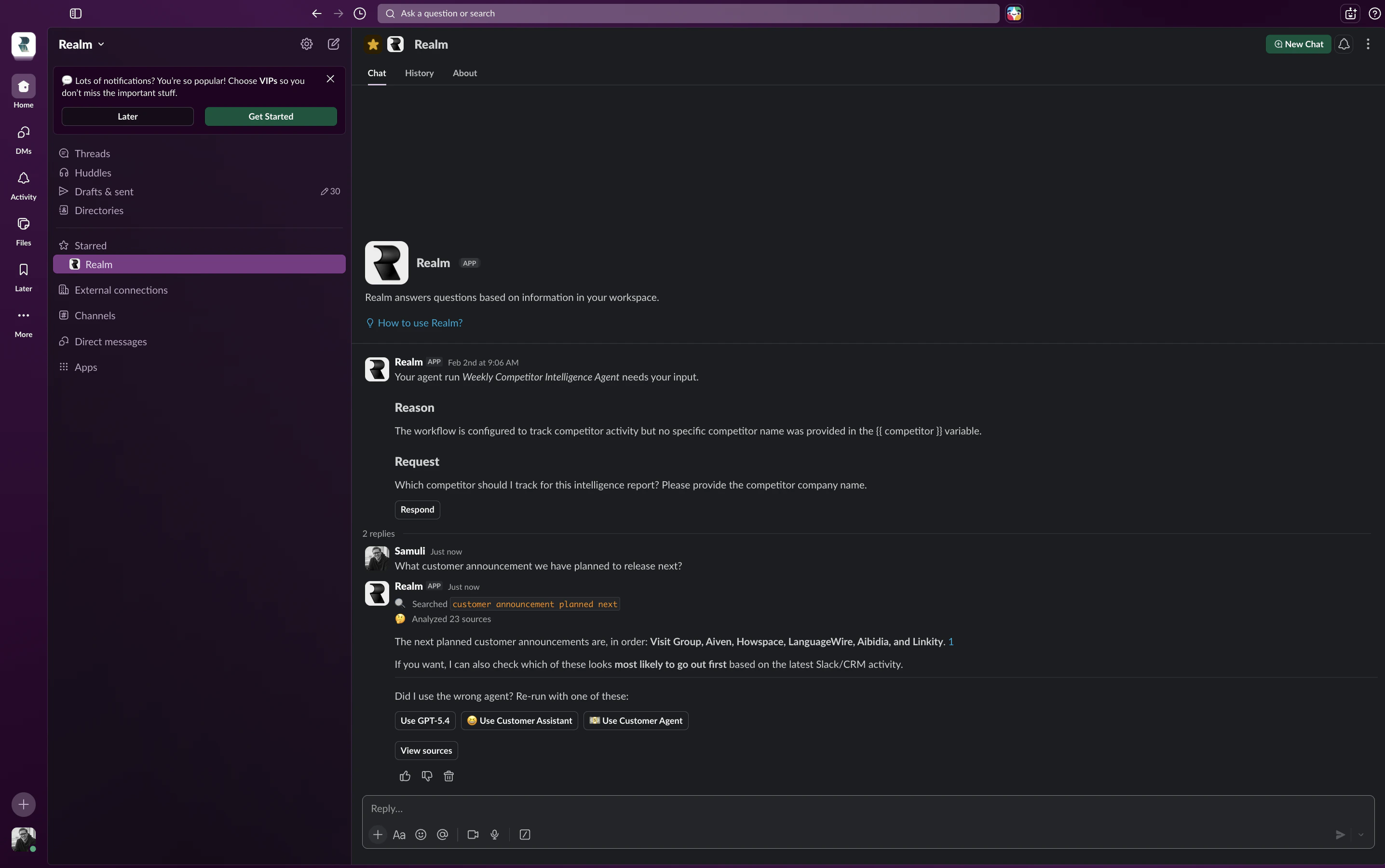
- Direct messages
- Specific Agents
In any public or private channel where the Realm app has been added, ask a question by mentioning @Realm followed by your query. Realm will reply in a thread.
If the Realm app is not visible in the Slack assistants sidebar, ask your admin to follow Slack’s instructions for displaying AI apps.
Best practices
Be specific in your questions
Be specific in your questions
Provide clear context to get the most accurate answers from Realm.
Use threads for follow-ups
Use threads for follow-ups
Reply in the same thread to maintain context for follow-up questions on the same topic.
Start new conversations for new topics
Start new conversations for new topics
Begin a fresh conversation when switching to an unrelated topic for better results.
Only users with an active Realm license can use the Realm Assistant in Slack. Adding the Realm app to your Slack workspace requires administrator permissions.
Related pages
Add Agents to channels
Configure Agents for Slack channels
Browser Extension
Access Realm from your browser