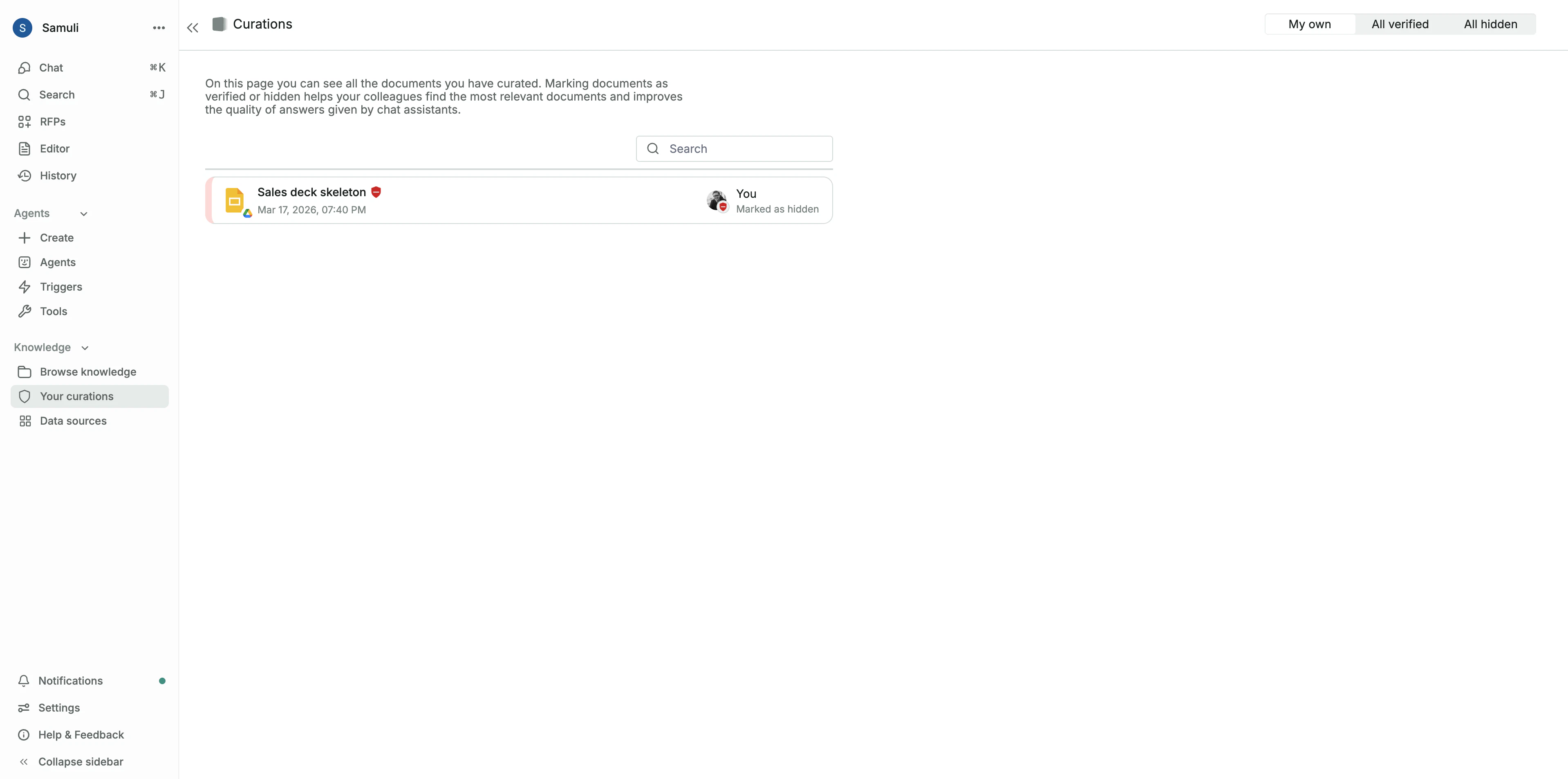
What are curations?
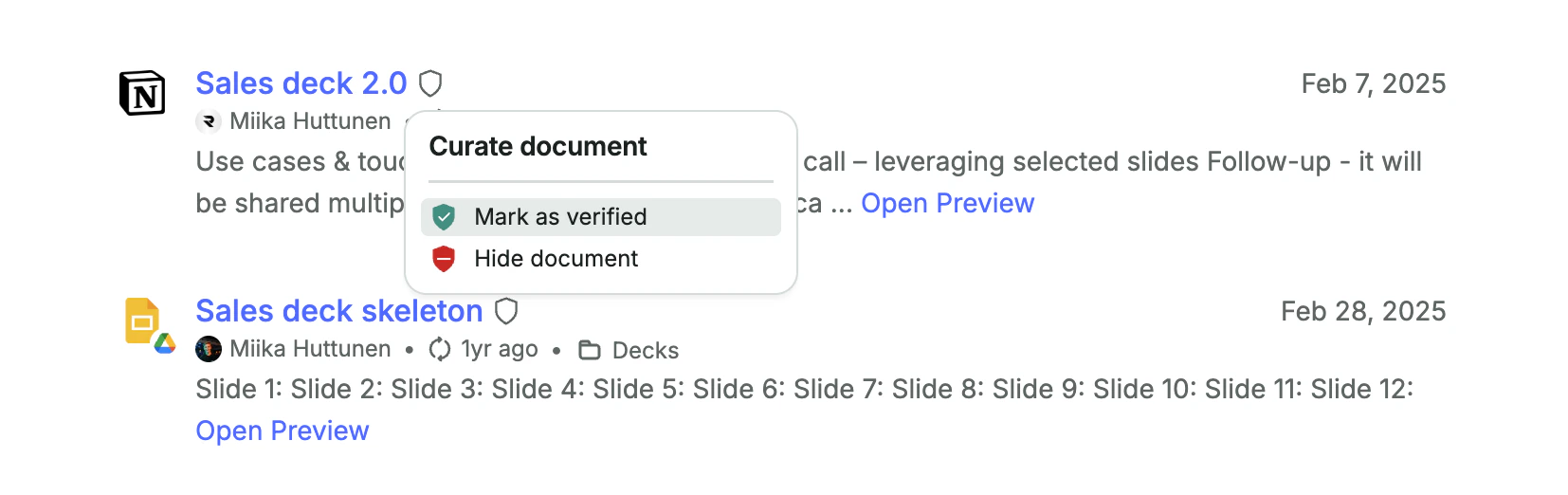
- Verifying sources that are accurate and up to date.
- Hiding sources that should no longer be used.
Verifying content
Verifying a document signals that it is a trusted and up-to-date source. Verified content receives a green badge and is prioritized in search results. Examples of documents worth verifying include:- The latest versions of sales decks, contract templates, and competitive battle cards.
- Official customer-facing documentation like product roadmaps or trust centers.
Hiding content
Hiding a document removes it from Realm. Hidden documents do not appear in search results and are not used by AI assistants. Examples of documents worth hiding include:- Outdated versions of product specs or internal guidelines.
- Test documents that might confuse the AI, such as spreadsheets with mock Q&A.
Viewing and managing your curations