Keyboard shortcuts

ShortcutAction
@Universal shortcut for enhancing queries. Switch between Agents or reference specific files.
Cmd+K (or Ctrl+K)Navigate to Chat view from anywhere in the app
Cmd+J (or Ctrl+J)Navigate to Search view from anywhere in the app
Cmd+SSave current prompt as reusable
/Open slash menu to access saved prompts
EscCancel a response that is being generated
Arrow keysNavigate between cells in RFP table
When you save a prompt, you’ll be asked to give it a label. Your saved prompts are accessible from the slash (/) menu.

Pin favorite agents

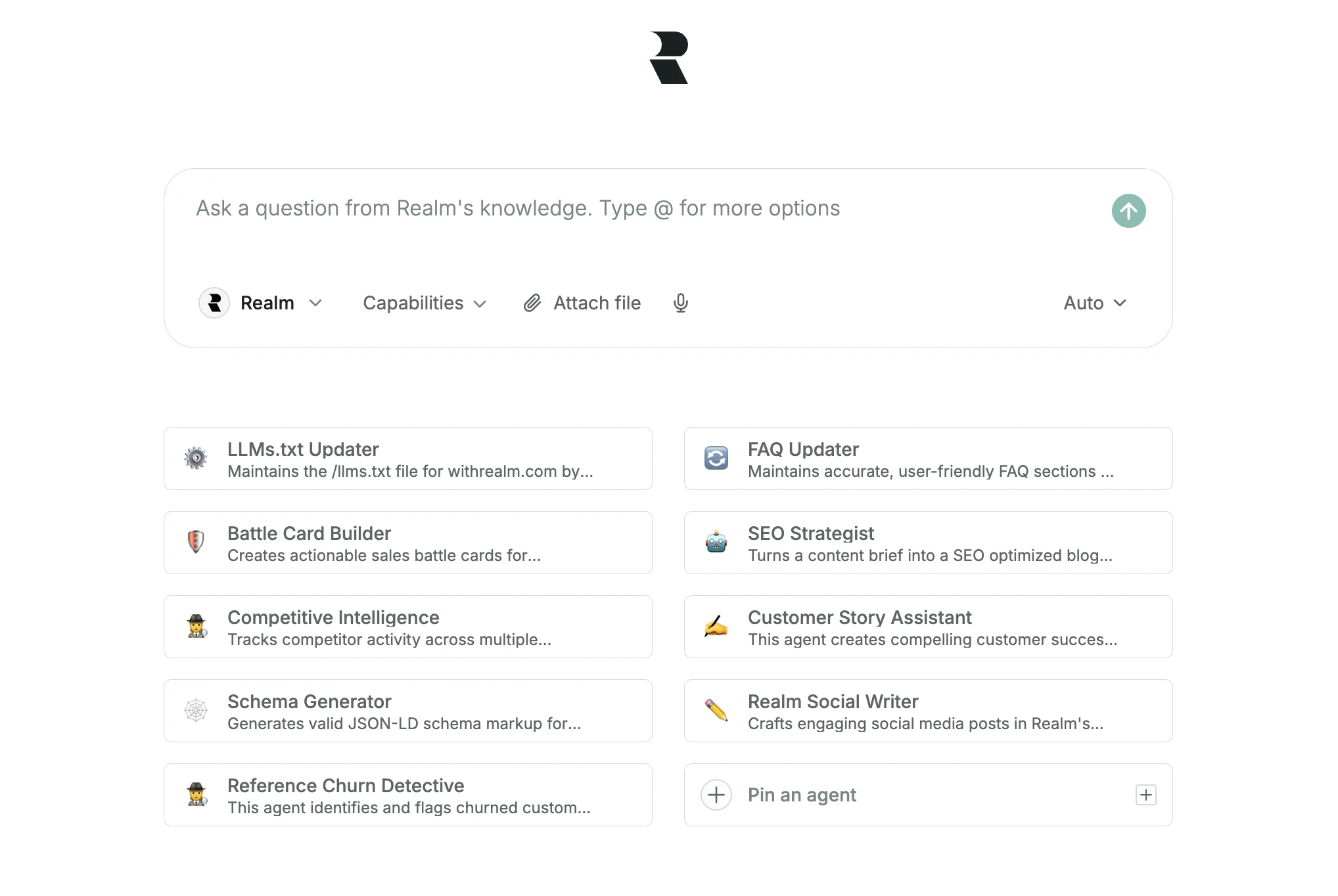
Pinned agents below the chat box
To keep your most important agents within easy reach, you can pin up to eight of them directly on the home page.

Browser extension

Realm browser extension
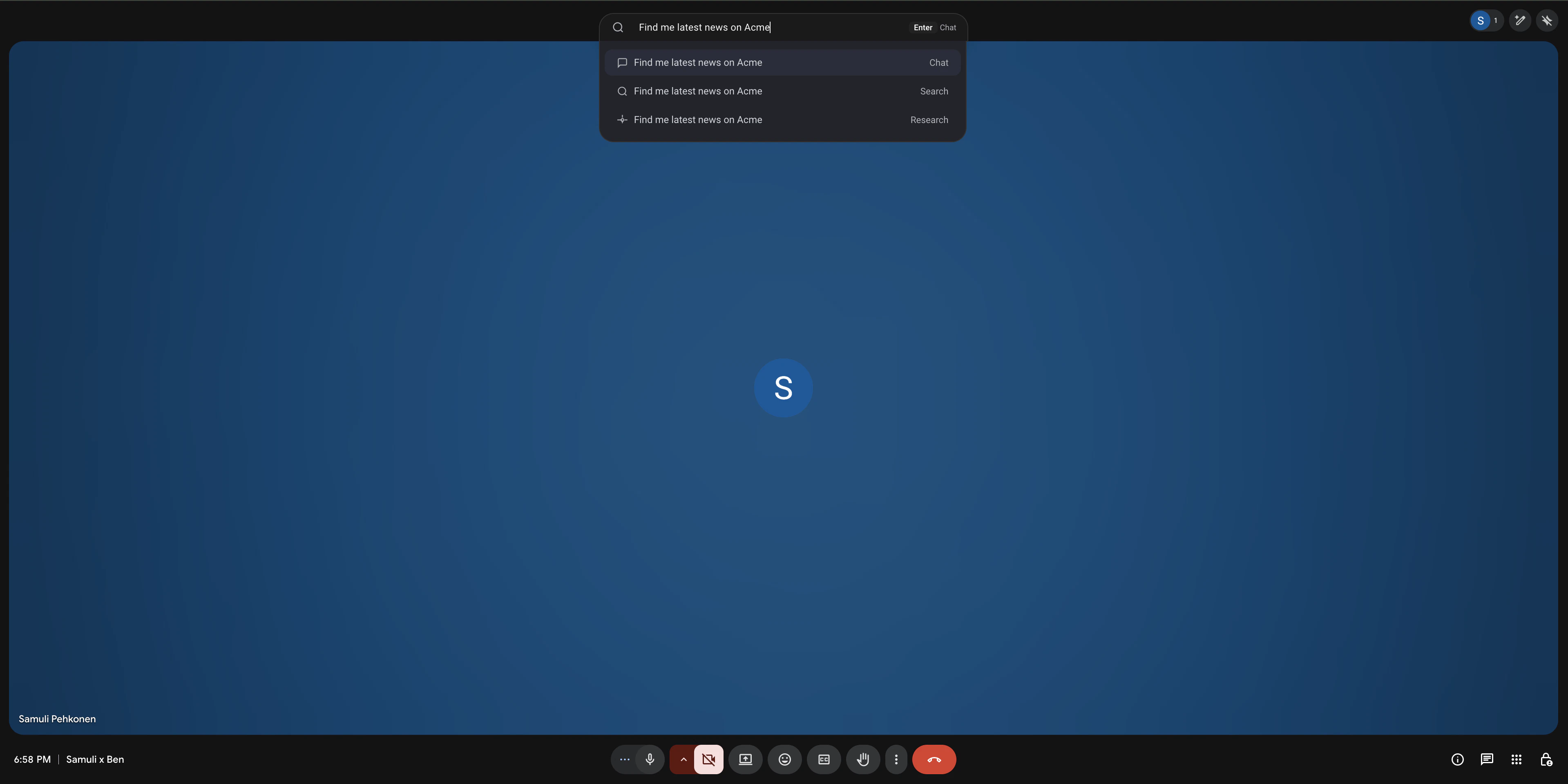
The Realm browser extension works directly in your browser, enabling access to Chat and Search.
  • Keyboard shortcut: Default shortcut is Cmd+Shift+K (or Ctrl+Shift+K)
  • Address bar shortcut: Type r into your browser’s address bar, press Tab or Space, and type your query

Installing the desktop application

You can install Realm as a Progressive Web App (PWA) from the Help & Feedback menu in the bottom-left corner. This gives you a more seamless, app-like experience on both desktop and mobile. Once installed, you can launch Realm directly from your dock or home screen and use it in a dedicated window.