Viewing and searching your knowledge base
Browsing knowledge base
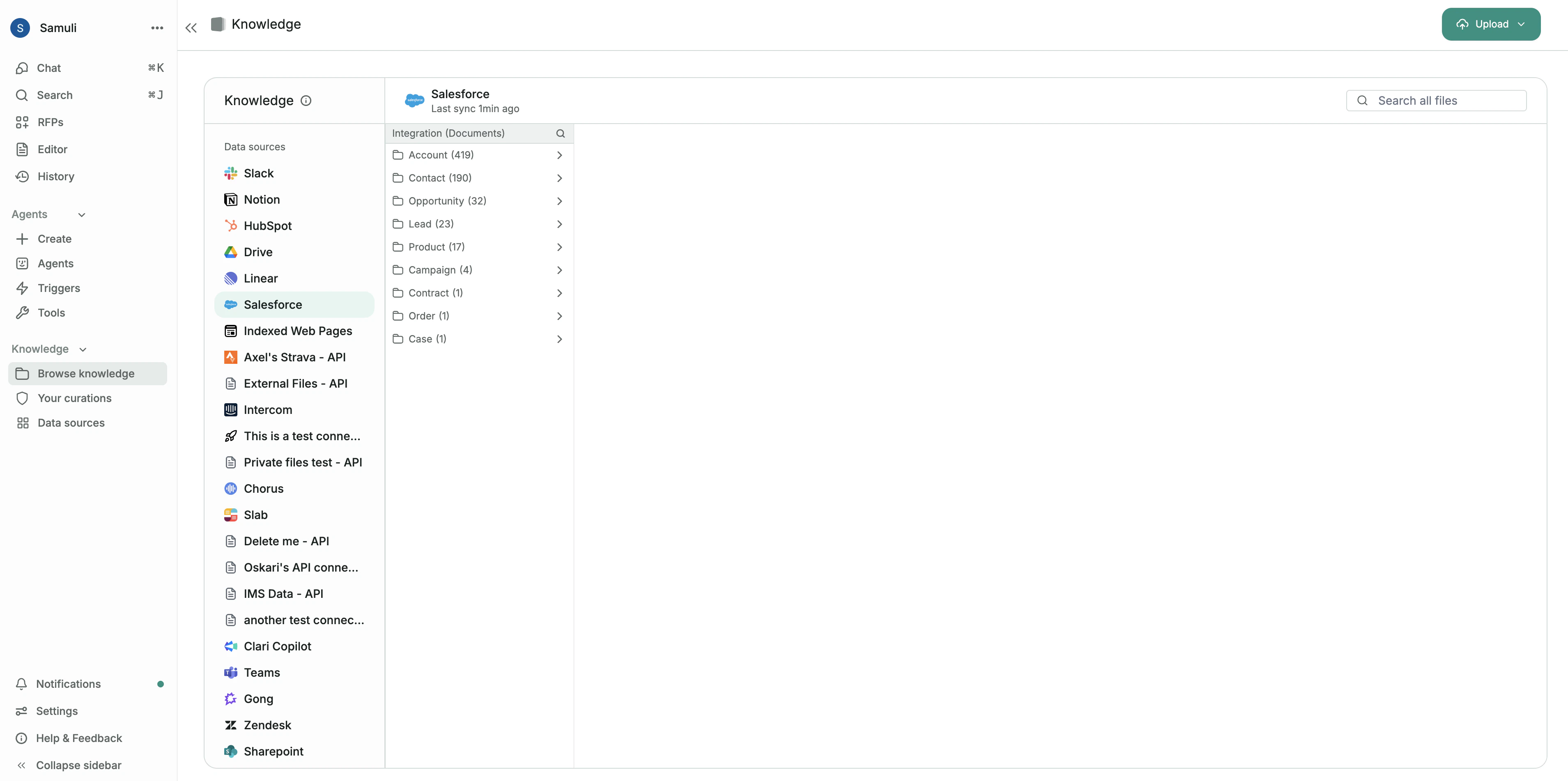
From the main sidebar, navigate to Knowledge > Browse knowledge. Here, you will see a list of all connected data sources on the left, such as Slack, Google Drive, or Salesforce. Selecting a source allows you to browse its folder structure and see individual files and items that have been synced to Realm. Within the Browse knowledge view, you can use the search bar at the top to find specific files across all sources or within a selected source.

Uploading files

Uploading files to Realm
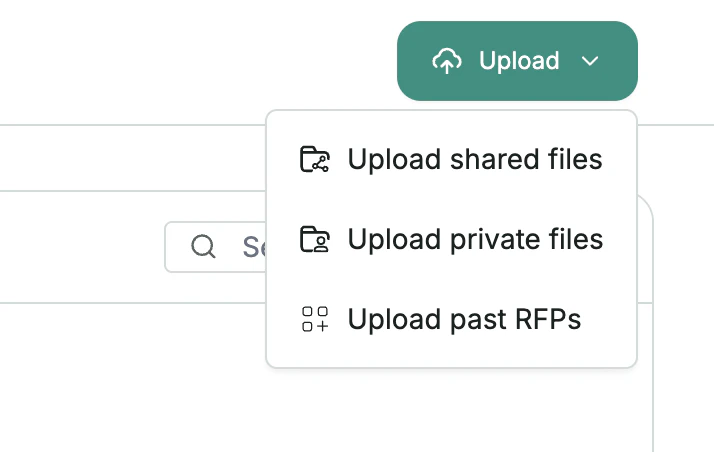
You can upload files directly to Realm from the Upload button in the top-right corner. Realm supports three types of uploads:
  • Shared files: Files that are visible to other users in your organization.
  • Private files: Files that are only visible to you. These are indexed for your personal use but are not accessible to other users.
  • Past RFPs: Upload previously completed RFPs to help Realm learn from past responses. When uploading via this option, Realm will extract individual question and answer pairs from these documents, making this knowledge more accurate to re-use and cite when responding to new questionnaires.